
Free on-site gate assessment - hinges, posts, and your LiftMaster or Nice gate operator checked before anything is quoted
The assessment is free and the quote is the invoice.
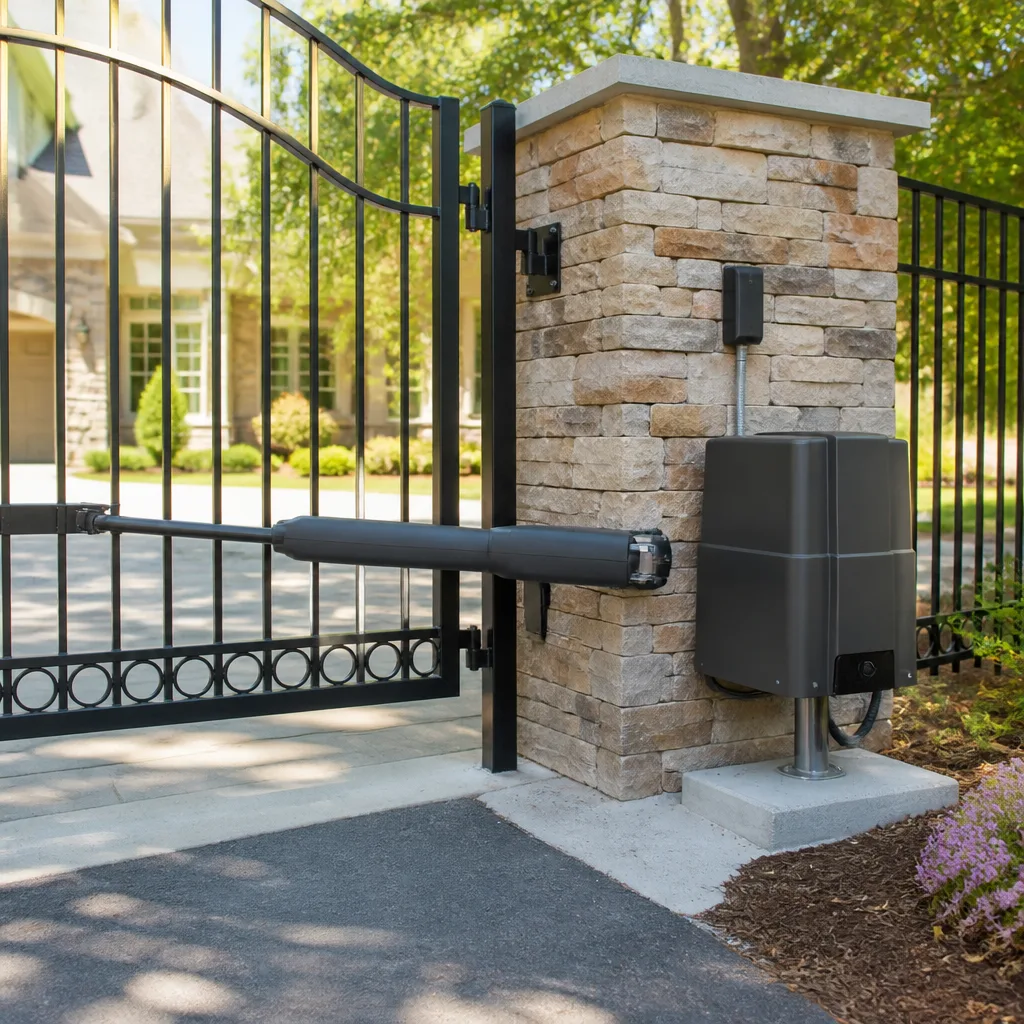
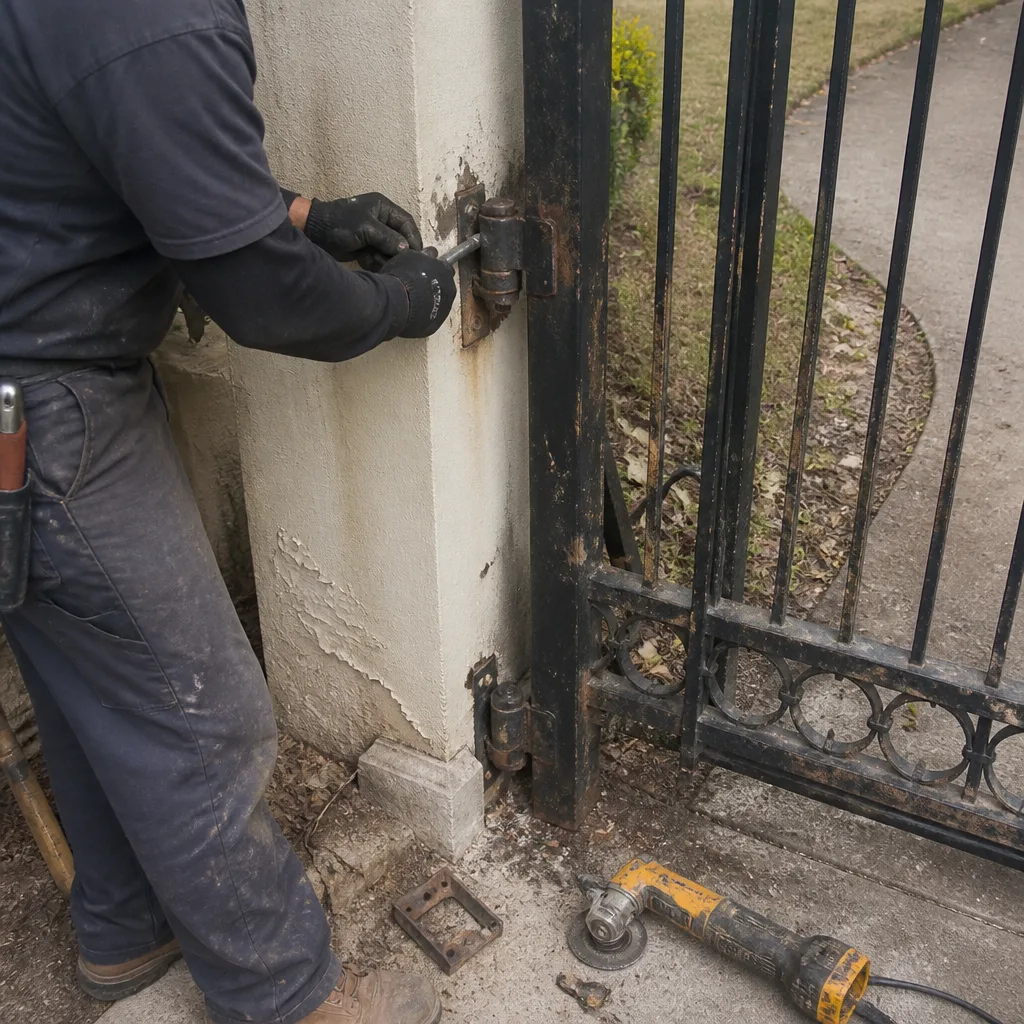 Before
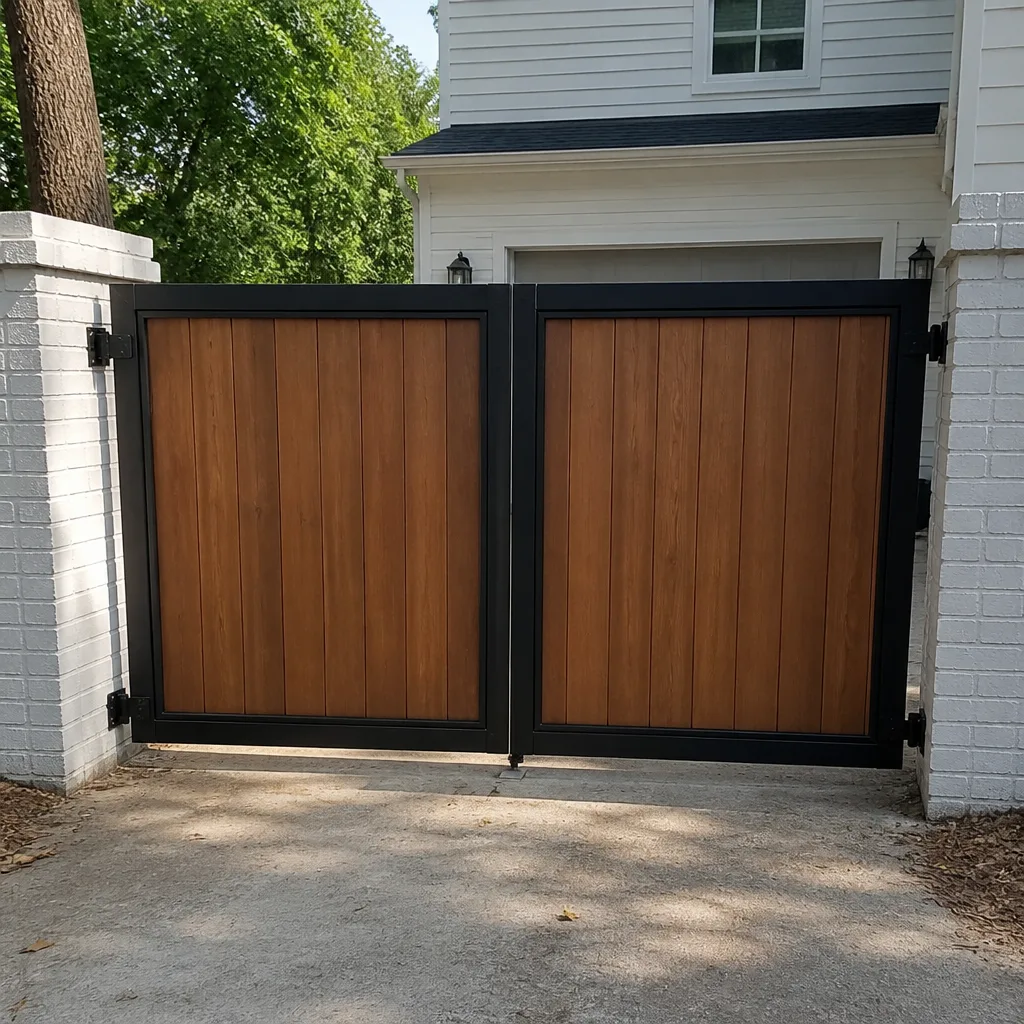 After
After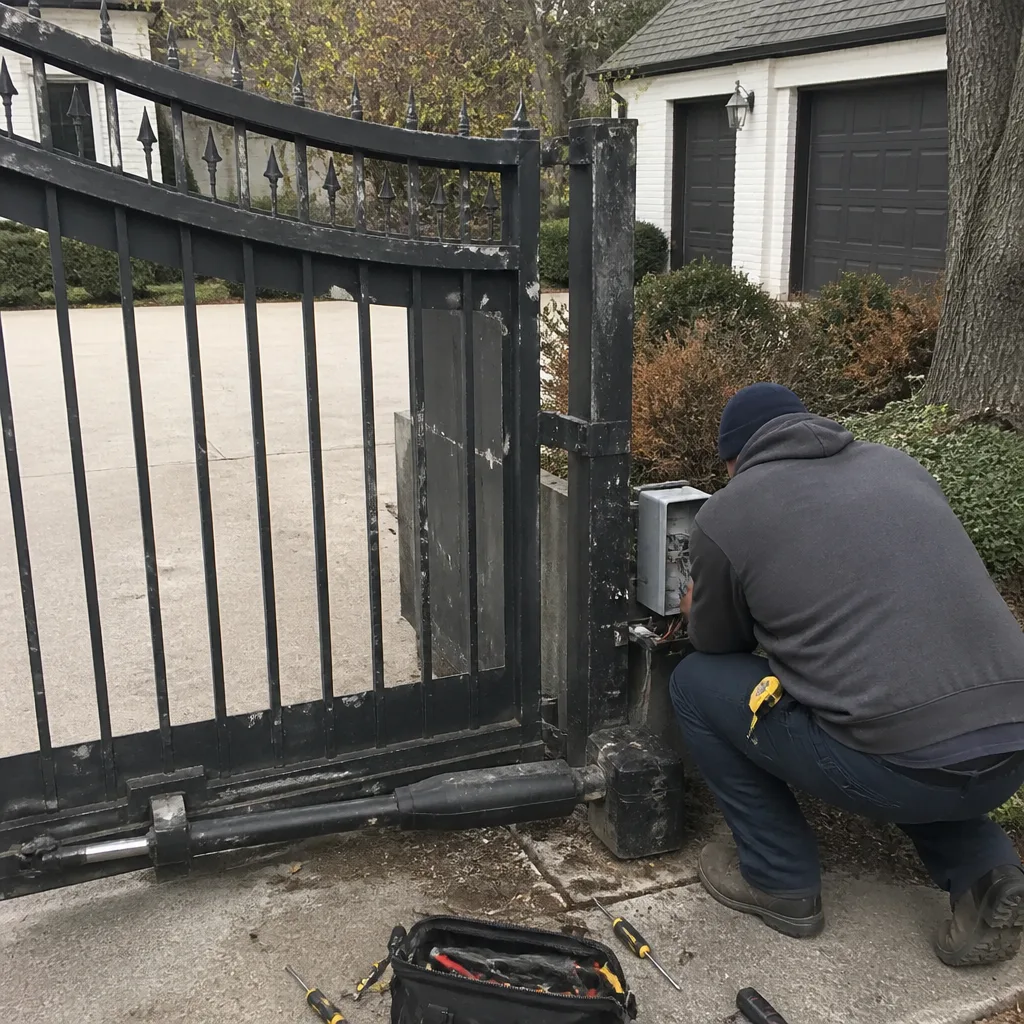 Before
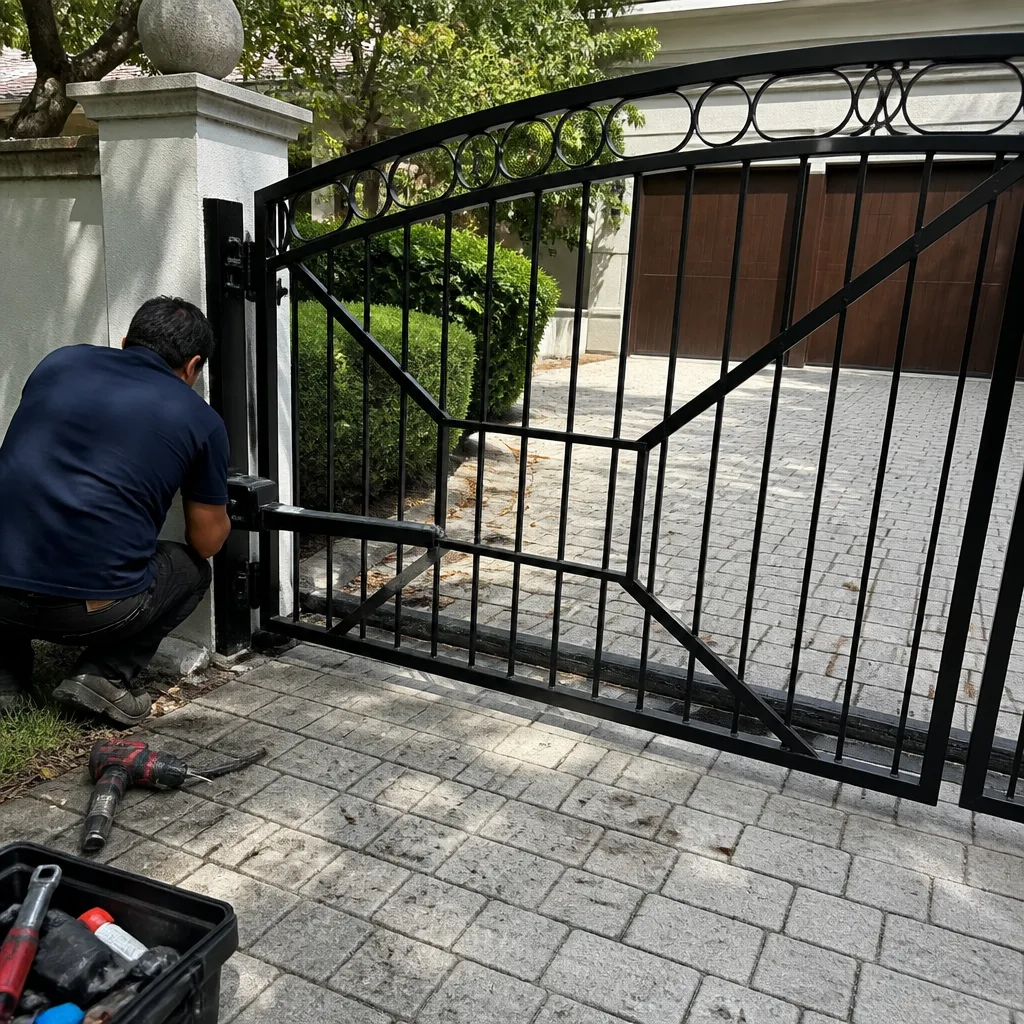 After
After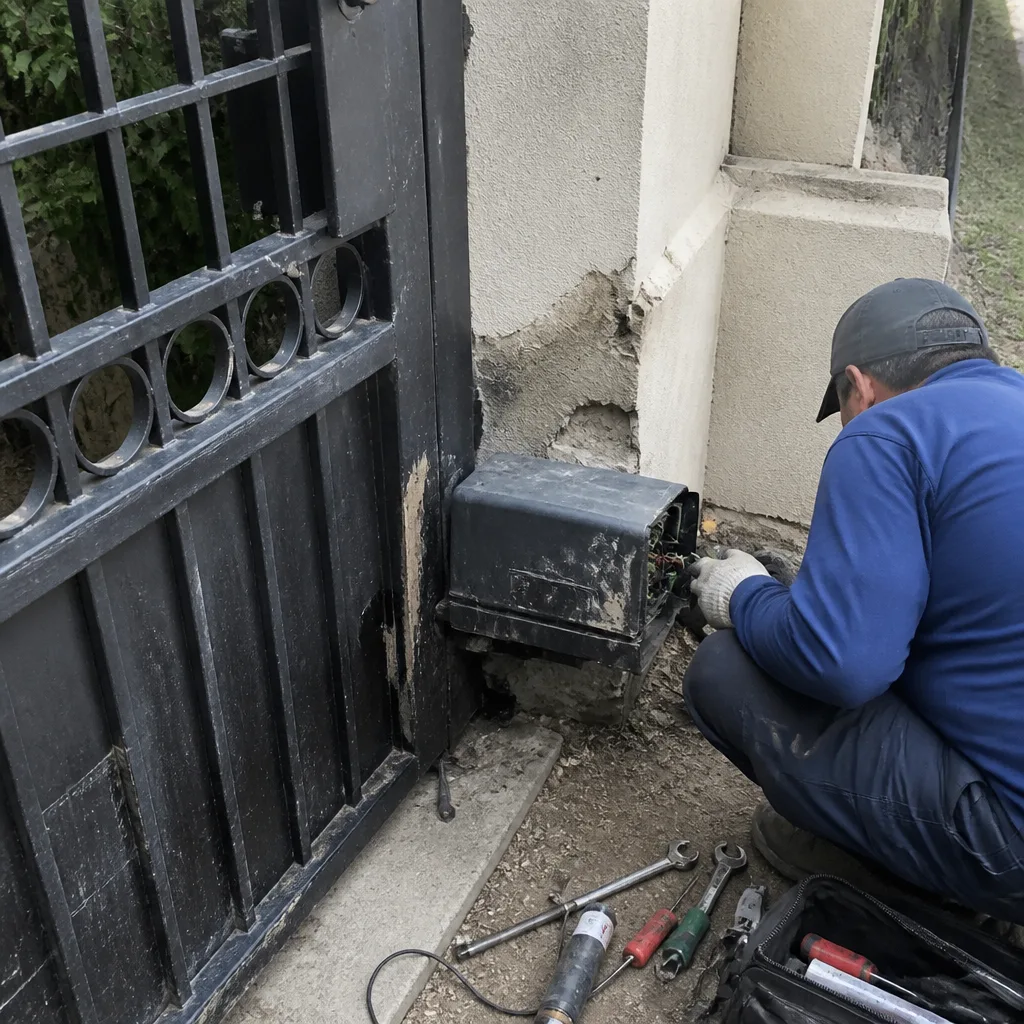 Before
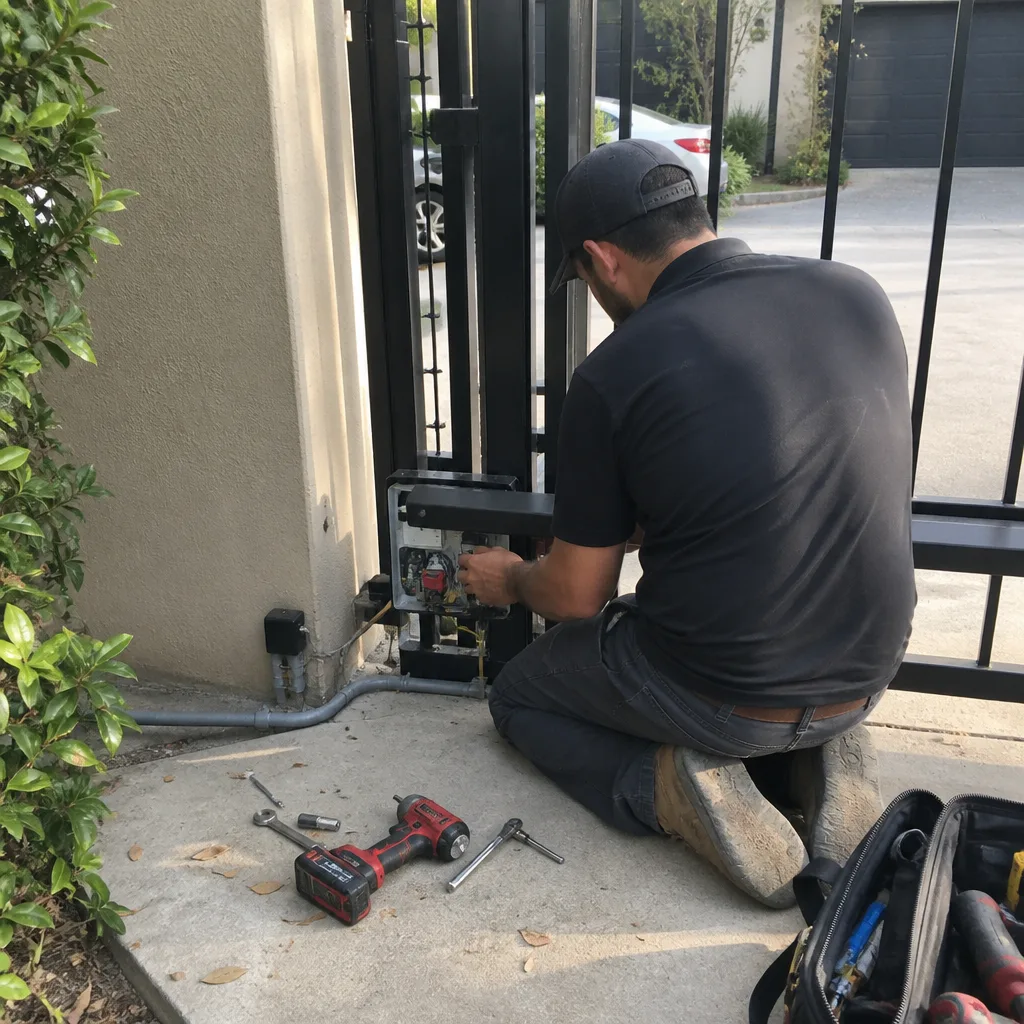 After
AfterDoorKing Access Control Installation: The Highland Park Owner’s Guide
DoorKing access control installation in Highland Park typically runs $450-$900 installed, depending on which keypad, card reader, or telephone entry unit you’re replacing. We keep the most common DoorKing parts on the truck, so most swaps here in the Park Cities happen the same day we diagnose the problem. What usually brings people to us is simpler than they expect: the keypad goes dead after a storm, a relay stops clicking when the code is entered, or the call box stops ringing the house phone.
Here’s the thing about DoorKing gear in this part of Texas. The electronics sit outside in hundred-degree heat, get hammered by afternoon thunderstorms, and still get asked to cycle a gate open and shut forty times a day. Something eventually gives, usually a circuit board or a power supply that baked in the sun longer than it was designed to. That’s what we see most weeks driving through Highland Park, University Park, and the surrounding neighborhoods.
Which DoorKing Models This Applies To
We install and service access control across most of the DoorKing lineup: the 1812, 1814, 1815, and 1817 telephone entry systems, the 8061 and 8062 card readers, the 8042 and 8045 keypads, and the 8058 receiver boards that tie them together. If you’re not sure what you have, open the front panel and look for the silver model tag on the inside of the cabinet. The first four digits tell you the series, and that’s what determines which replacement board or keypad your system needs. A 1812 board will not talk to an 1817 keypad, and mixing generations is where I see the most expensive mistakes.
One compatibility gotcha that bites Highland Park homeowners every year: the older DoorKing 1800 series and 1812 series run on different voltage than the newer 1814 and 1817. Somebody grabs a used keypad off the internet, wires it in, and wonders why the gate goes dead two days later. The OEM DoorKing parts are well made, but for keypads and card readers we also carry quality aftermarket equivalents that meet the same specs and cost about 30 percent less. For circuit boards, we order OEM DoorKing. You don’t want a knockoff brain in a system controlling a two-thousand-pound gate.
We’re an independent shop. We’re not affiliated with DoorKing, but we’ve serviced their equipment long enough to know which combinations work and which ones come back to haunt you. We also keep parts on hand for LiftMaster, Mighty Mule, and Ghost Controls systems, so if your gate opener and access control don’t match, we can still get everything working together.
Signs Your DoorKing Access Control Installation Is Failing
- Keypad lights up but nothing happens when you punch the code. This is almost always a dead relay on the main control board. The keypad is fine, but the board isn’t sending the signal to the gate operator. We’ve replaced the relay and saved the board more times than we’ve had to buy a whole new unit.
- The system powers down after a storm or a heat wave. DoorKing power supplies take a beating in Texas. When the transformer overheats in July or takes a surge in a thunderstorm, the whole system goes dark. We check the fuse first, then the transformer, then the board, in that order, because that’s the order they fail.
- Your house phone rings, you buzz someone in, and the gate doesn’t move. That’s a broken connection between the access control relay and the gate operator. Could be a chewed wire, could be a loose terminal block. Either way, the access control is working but the gate isn’t hearing it.
- The card reader beeps but won’t accept any card, even ones that worked yesterday. Card readers die slowly. First they get picky, then they stop reading altogether. The fix is often a new reader head, which is a twenty-minute swap on most DoorKing models.
- The call box does nothing at all, dead as a road sign. No beep, no lights, no dial tone. That’s usually the power supply completely gone, sometimes the board behind it. We test both before quoting you, because replacing a board when the transformer was the problem would just mean paying for the wrong part.
Replacement Cost & What’s Included
In Highland Park, figure $450-$900 for a complete DoorKing access control replacement, installed. A simple keypad swap runs closer to $450. A full telephone entry board with a new power supply and weather seals lands near the top of that range. The range comes down to which DoorKing model you have, whether the wiring in the ground is still good, and whether we’re replacing one component or the whole cabinet.
What you get when we do the work: the part, the labor to install it, reprogramming your entry codes and cards, testing the gate through fifty open-and-close cycles, and the 90-Day Done Right Promise in writing. If it fails inside 90 days, we come back and make it right. The price we quote you before we start is the price you pay when we’re done. We don’t change it at the door, and we don’t add surprise line items.
| DoorKing Part or Service | Installed Price Range |
|---|---|
| Keypad replacement (8042 or similar) | $450-$550 |
| Card reader replacement (8061/8062) | $480-$600 |
| Main control board replacement | $550-$700 |
| Full telephone entry system (1812/1814/1817) | $700-$900 |
| Diagnostic service call (credited toward repair) | No trip charge inside the county |
Also good to know: we take $40 off any repair over $200, and seniors and veterans get a permanent 10 percent discount. If you’ve already got a written estimate from another company, bring it by and we’ll give you a free second opinion. Sometimes the other shop quoted a board replacement and it turns out to be a fifteen-dollar fuse holder.
DIY or Call Us?
This is one part of the gate system where I’ll tell you plain: don’t open the access control cabinet and start swapping wires unless you know what you’re doing. The power supply carries 120 volts, and you’re working next to it in a metal box that’s been sitting outside in the rain. That’s a bad combination. I’ve pulled more than one homeowner out of a jam where they replaced a keypad themselves, crossed two wires, and fried a board that cost three times what the keypad did.
What you can safely check: the breaker didn’t trip, the keypad isn’t full of dirt or wasp nests, and the wiring connections at the keypad aren’t corroded green. Past that, this is a job for someone who reads wiring diagrams every week. If your DoorKing access control is acting up in Highland Park, give us a call at (325) 936-1371. Tell me what it’s doing wrong and I’ll come take a look, here’s my cell. Hal Gatewood has been fixing gates in these neighborhoods since 2001, and we’ll tell you honestly whether it’s a two-hundred-dollar fix or a replacement.
FAQs
A DoorKing keypad or card reader in Highland Park usually lasts 7-12 years before the heat and humidity start to cause problems. Circuit boards and power supplies trend toward the shorter end of that range. Indoor-mounted components last longer.
Yes, in many cases we can. Relays, fuses, wires, and power transformers are commonly repairable without replacing the whole unit. We’ll show you what failed and quote the repair against the replacement cost so you can decide with the facts in front of you.
Most access control replacements take 1-2 hours start to finish. We bring the part, swap it, reprogram your codes and cards, and test the gate before we leave your driveway.
We keep the most common DoorKing keypads, card readers, receivers, and relay boards on the truck at all times. If you have a less common model, we can usually have the OEM part within a few days.
If your DoorKing access control is down or acting up in Highland Park, call (325) 936-1371 for a free estimate. A live person answers, day or night. We’ll get it sorted, and we’ll stand behind the work with the 90-Day Done Right Promise.
Written by Hal Gatewood, Owner, Gatewood Fence & Gate at Gatewood Fence & Gate, serving Highland Park and nearby areas.